
Choreographers Toolbox
January 6, 2022
Stop Motion Animation
January 7, 2022Augmented Reality
..... By Christopher Hunt
OVERVIEW
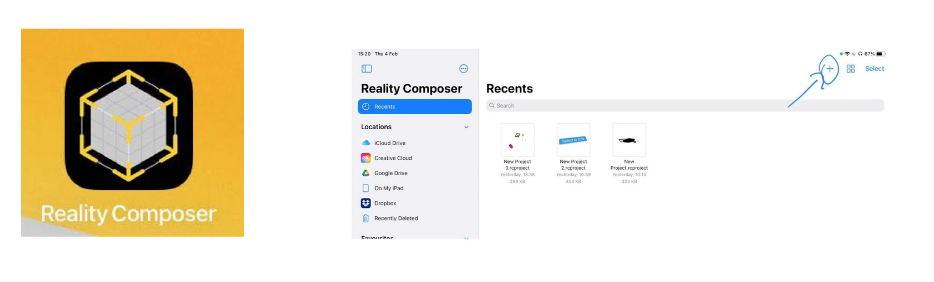
This worksheet will introduce the basic functions of AR using the application Reality Composer which is available for free via the Appstore.


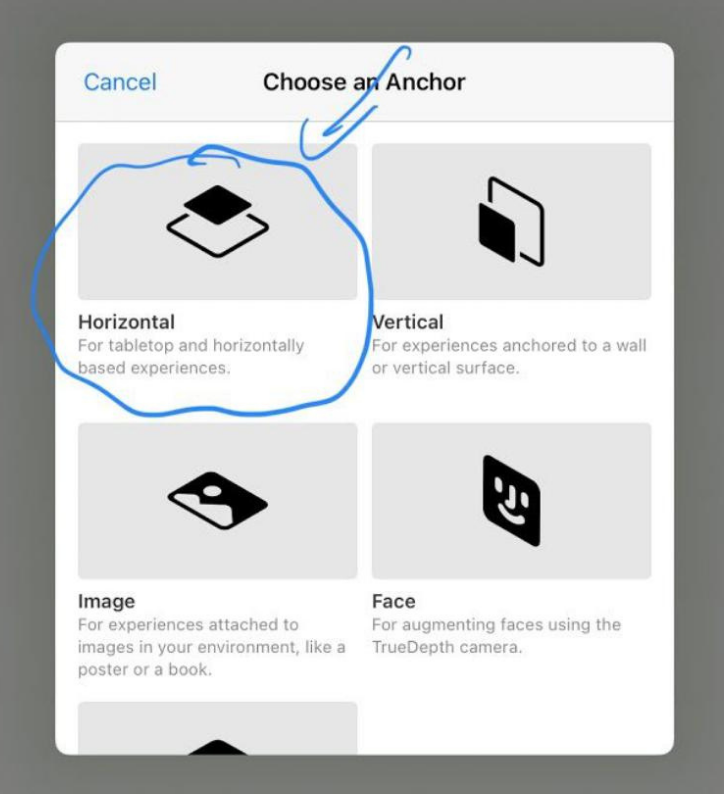

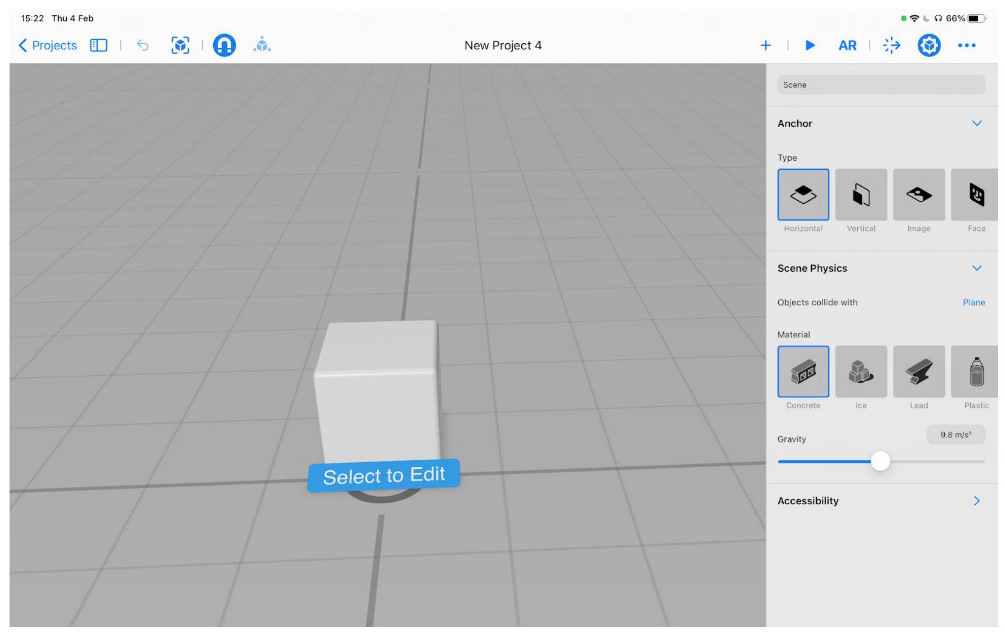

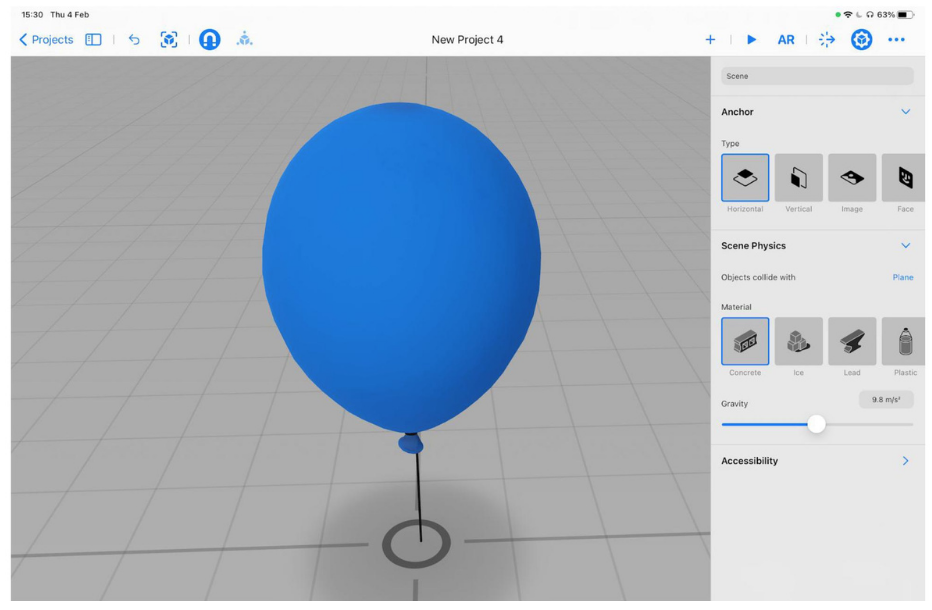
This is the editor view. It shows a 3D space where you can place and move objects previewing what you will see in AR. To move the cube in your scene, drag with one finger to rotate it, drag with two fingers to move the cube up, down, left and right, and pinch to zoom in and out.
To see the cube in real life, tap the AR button in the top right then the play button once the camera has started. This will hide the menu so you can focus on the cube.
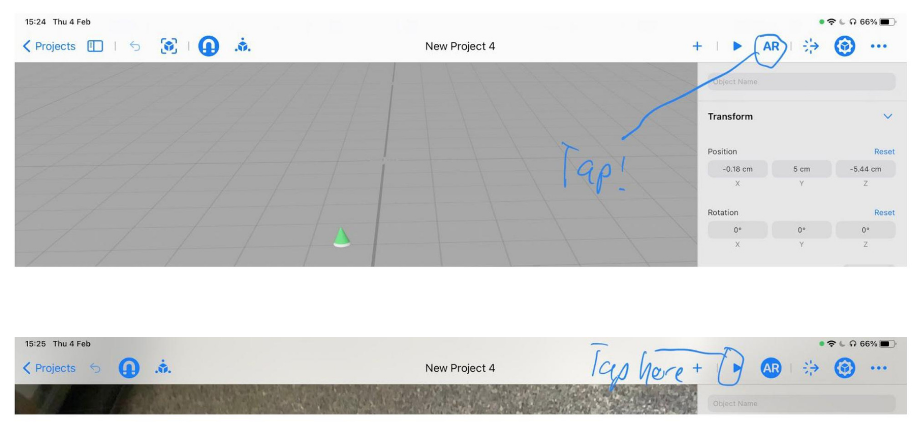

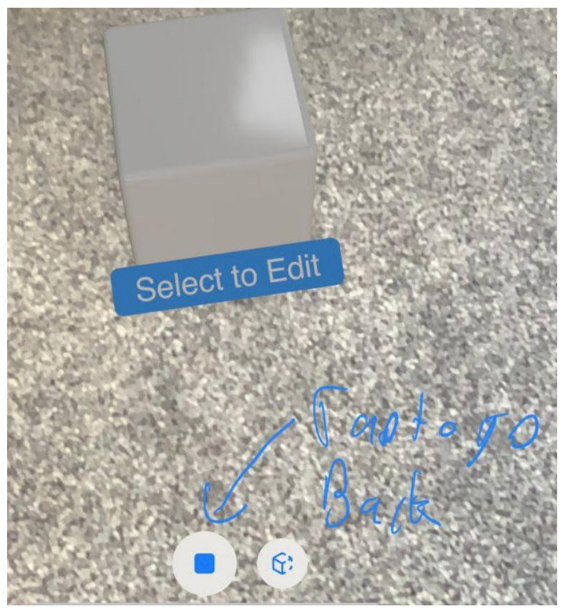
Move your device around looking at a floor or flat surface until the cube appears. Now you can move and walk around the cube in your space. It may move a little on its own if you are in a dark room. You can also move the cube around the floor by dragging it with your finger.
When you are done, tap the stop button to go back to the editor.
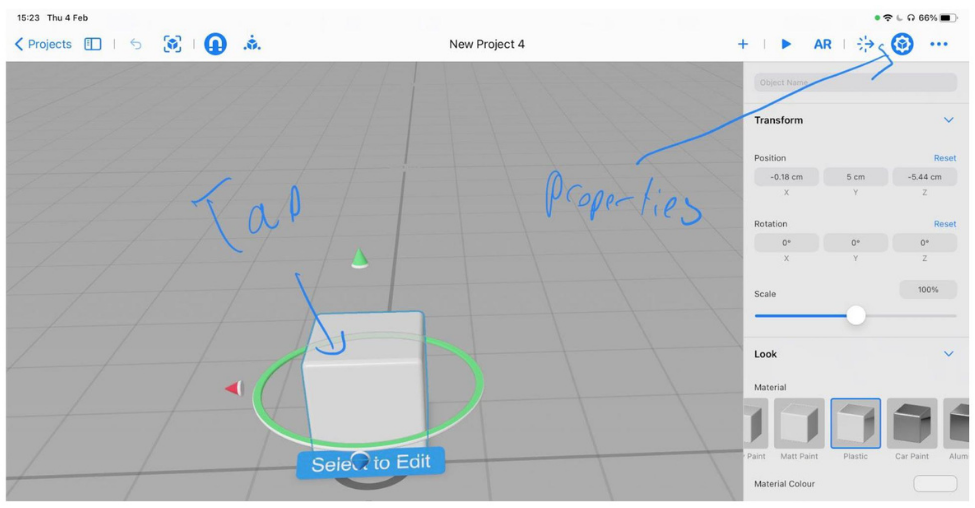
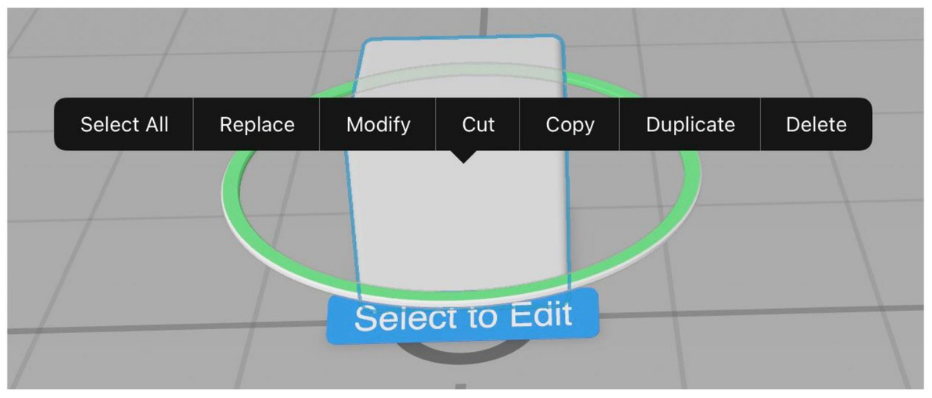
 Next, you are going to make some changes to your cube. Tap the cube to select it, then tap the properties icon in the top right. This will show you some options on the right-hand side. These are all the changes you can make to your cube.
 Have a play with these options and see what you can do with your cube! Place it back into AR mode to see the changes on the real world.